Meet your new Robyn workspace.
Chat, calls, bulk campaigns, clinic rules and the iPhone app. Fifteen short tours to help you find your way around.
The new Robyn workspace brings your clinic's conversations, calls and messaging into one place. See what needs your attention, pick up a conversation, send a bulk campaign and keep Robyn working to your clinic's rules.
We've put together fifteen short videos to show you around. Start with the three overviews, take a look at the iPhone app, then explore each screen at your own pace.
See the conversation, then take the next step
Chat gives you the conversation in one place. Calls brings the call summary and follow-up together, so you can see what happened and what still needs a person.
The message queue and log give you a view of messages waiting for review and what became of messages that went out.
Keep your clinic's way of working close
Robyn's rules is where you keep the instructions that matter to your team. The patient list, practitioners and integrations screens help you find the people and settings behind the conversation.
The iPhone tours show how the same workspace fits into your day when you're away from a desk.
Reach a patient group with bulk campaigns
Choose a patient group, write your text and check the audience before sending. Bulk campaigns help you send recalls, check-ins and clinic updates without working through patients one at a time.
Send now or schedule a campaign, set the sending pace and follow patient replies in Chat. Use the message queue and log to review messages and see their outcomes.
Start here
Three quick overviews of how Robyn fits into your day.
 Watch video
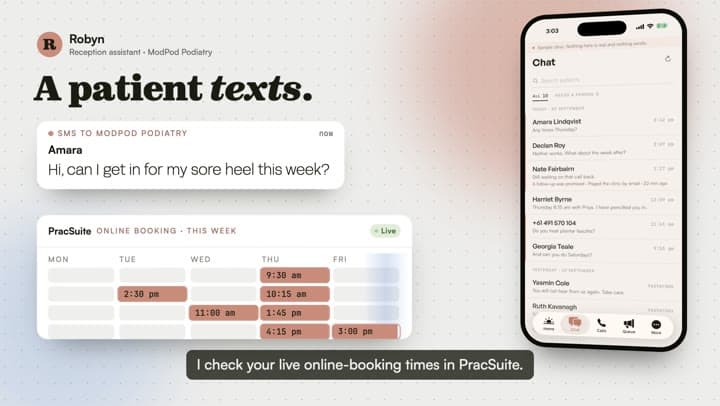
When a patient texts
Follow a patient message into Chat and see how your team can pick up the conversation.
 Watch video
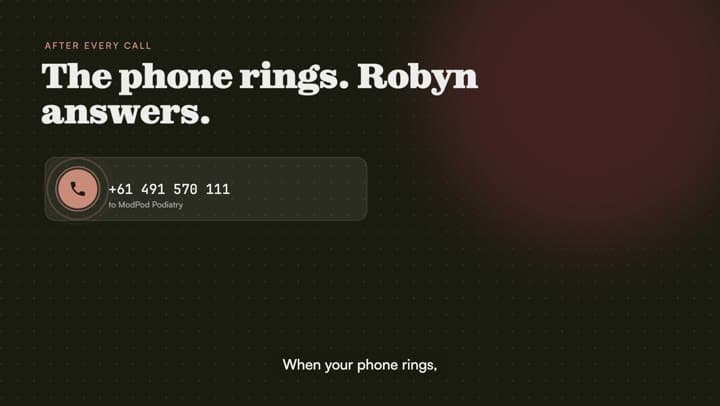
After every call
See the call summary and follow-up together in the Calls screen.
 Watch video
Robyn follows your rules
A quick look at the clinic instructions that guide Robyn's work.
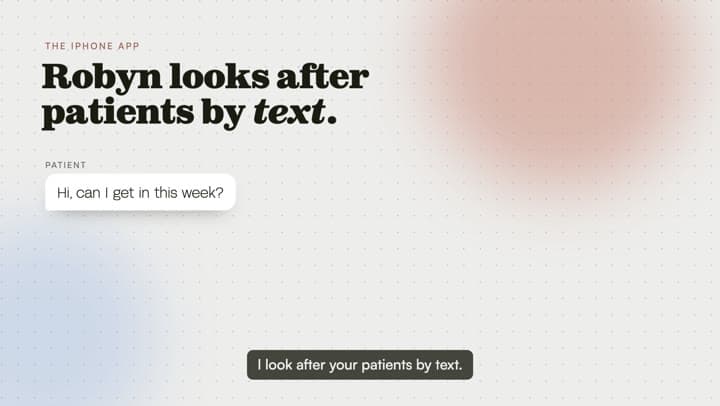
Robyn on your iPhone
Two views of the app, for the moments you're away from your desk.
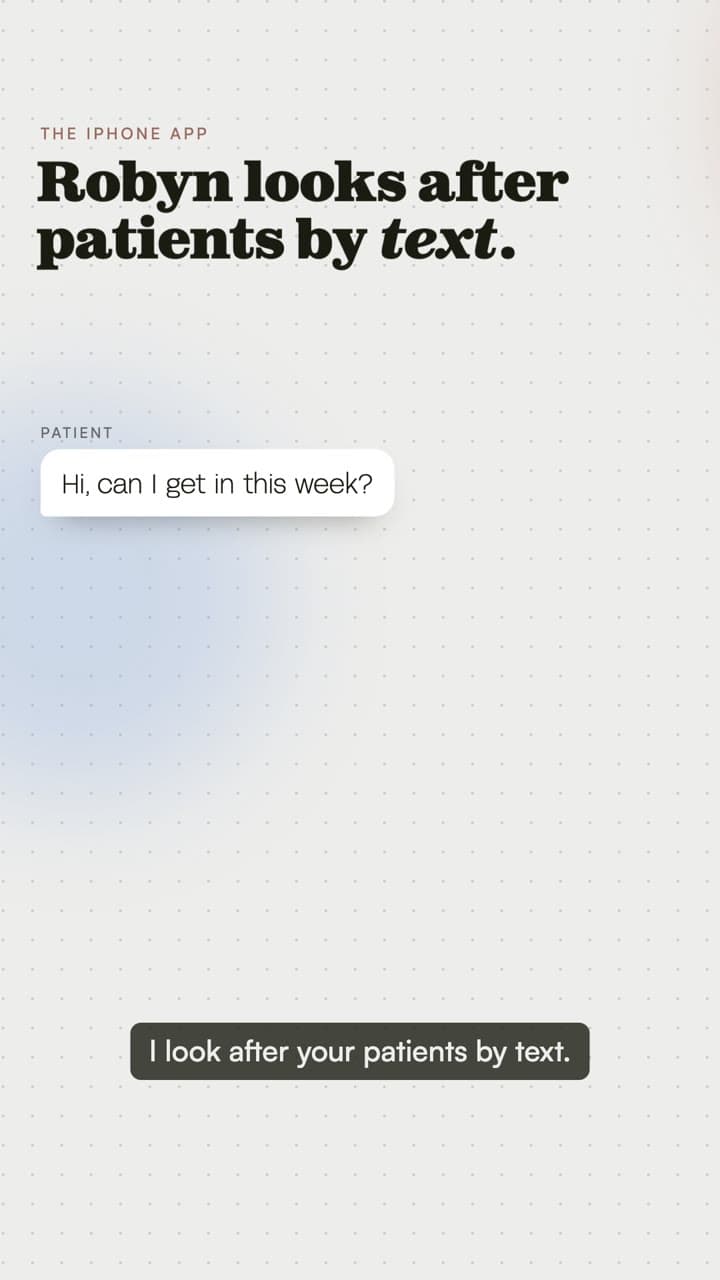
Find your way around
One short tour for each screen. Choose what you need today.
 Watch video
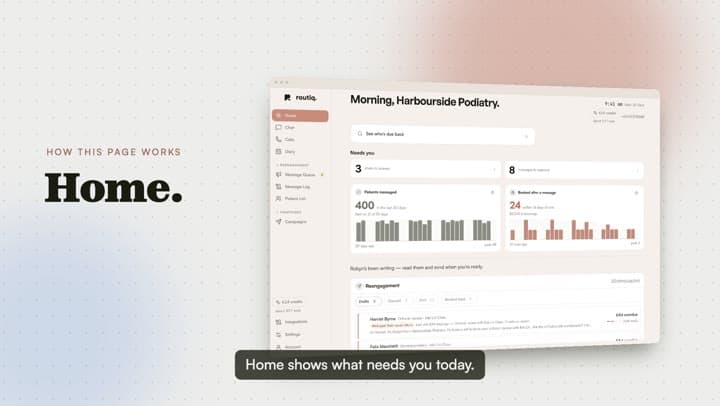
Home
Get your bearings with an overview of the Home screen.
 Watch video
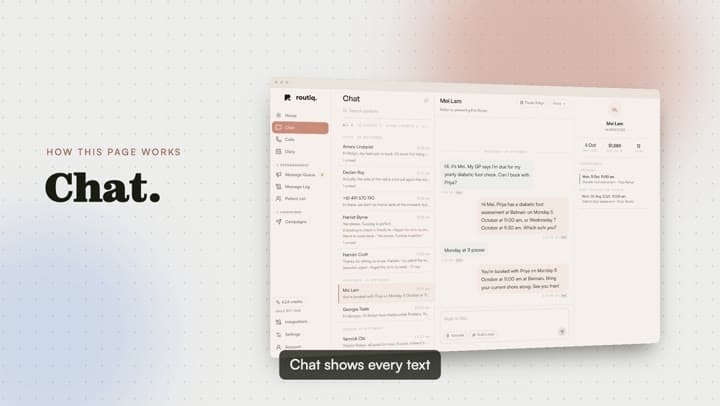
Chat
Read conversations and see where your team can step in.
 Watch video
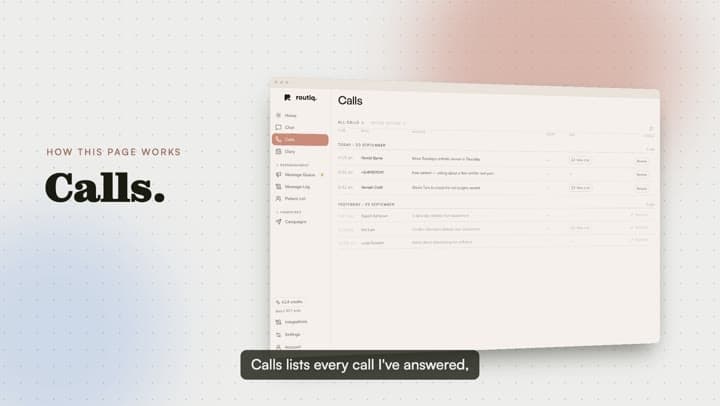
Calls
Find call summaries and see what happened after the call.
 Watch video
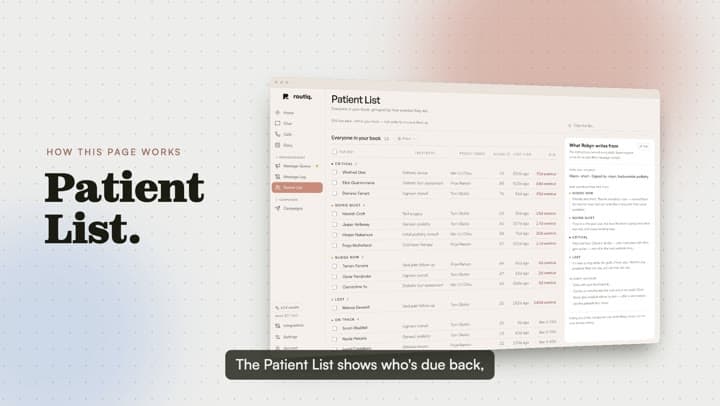
Patient list
Find a patient and explore their place in the workspace.
 Watch video
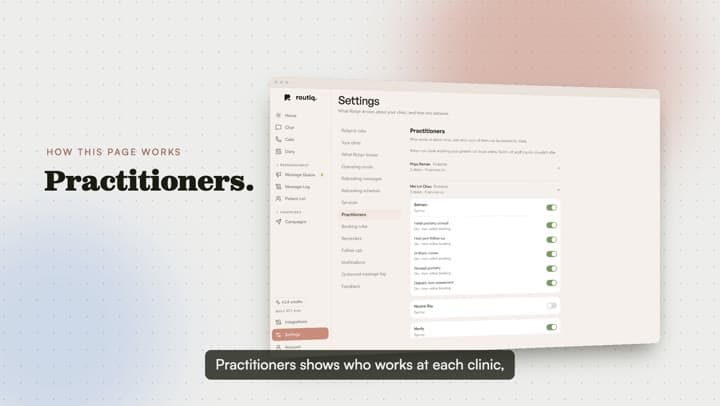
Practitioners
See the practitioners connected to your clinic.
 Watch video
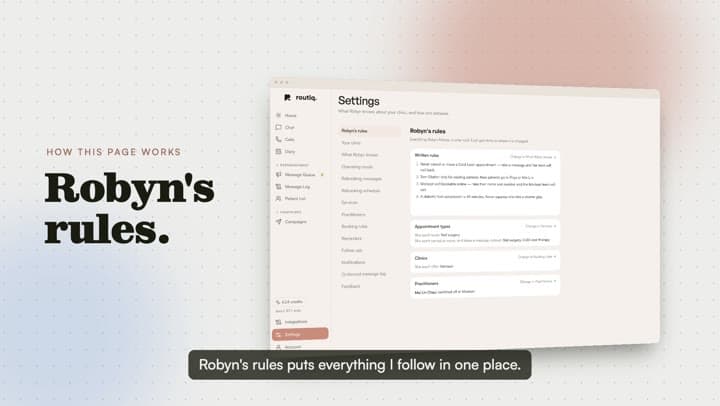
Robyn's rules
Find and manage the instructions your clinic gives Robyn.
 Watch video
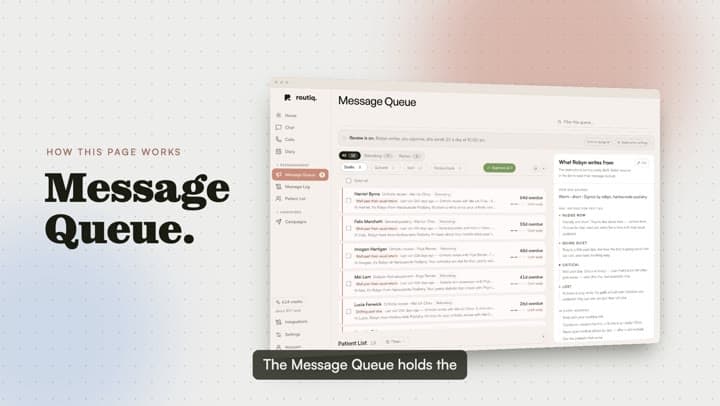
Message queue
See the messages waiting for review before they go out.
 Watch video
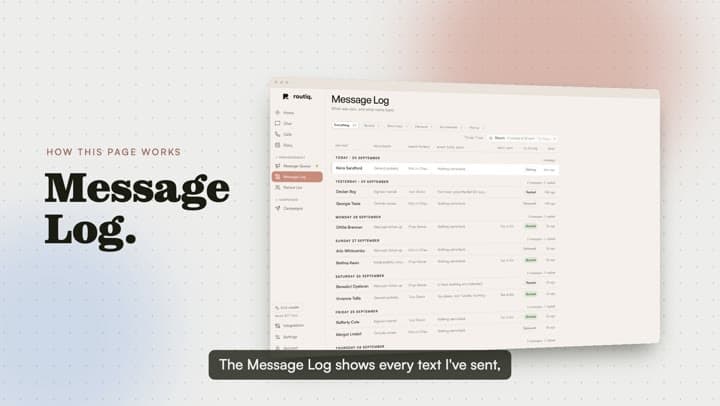
Message log
Follow the outcome of messages from the message log.
 Watch video
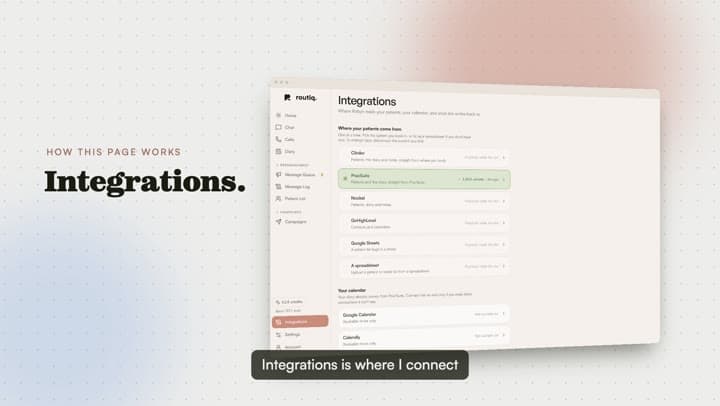
Integrations
See where your practice system connects to Robyn.
 Watch video
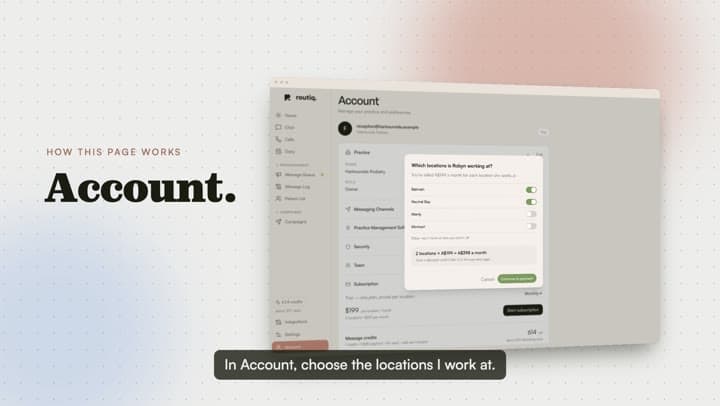
Subscribe
Take a look at the subscription screen and location choices.